Feature #885
closedModule #882: Hands on & Code Familiarization
Sub module #883: UAN Repository - Record Update
Feature #884: Search UAN repository by UAN
Design the HTML screen prototype (EPFO style)
Added by Devanand P almost 3 years ago. Updated almost 3 years ago.
100%
Files
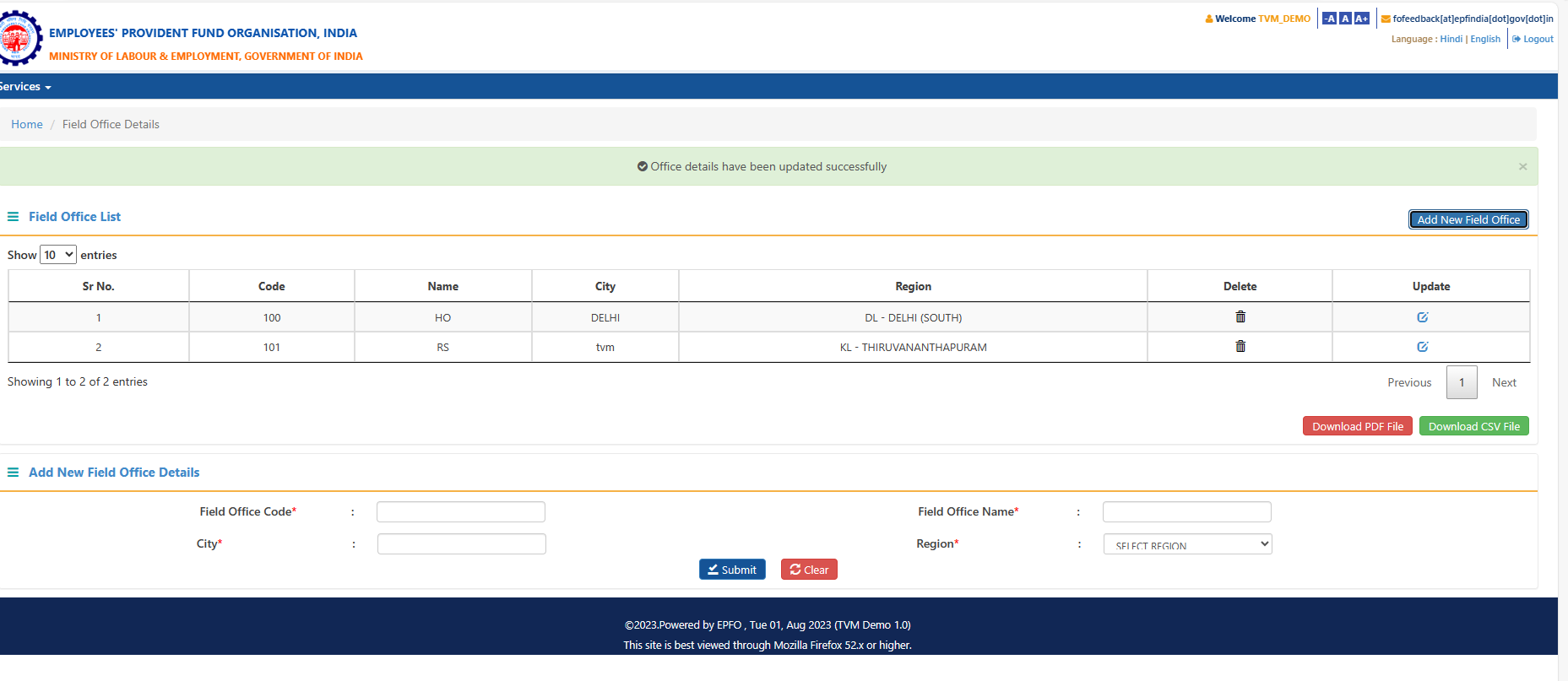
| Adding new Field office.PNG (59.6 KB) Adding new Field office.PNG | Rasmiya R S, 09/19/2023 05:40 PM | ||
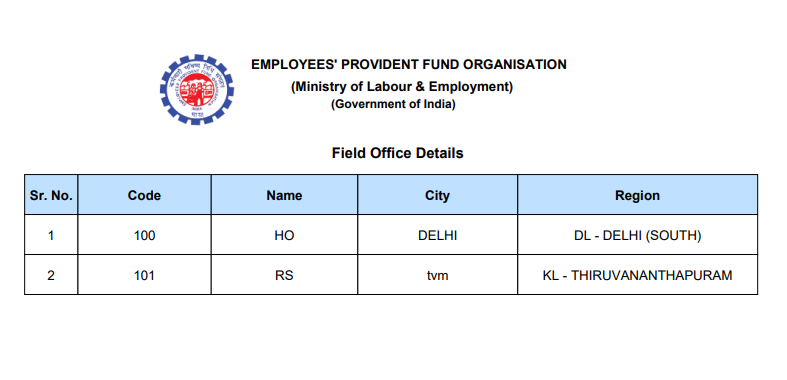
| download file.PNG (39.5 KB) download file.PNG | Rasmiya R S, 09/19/2023 05:41 PM | ||
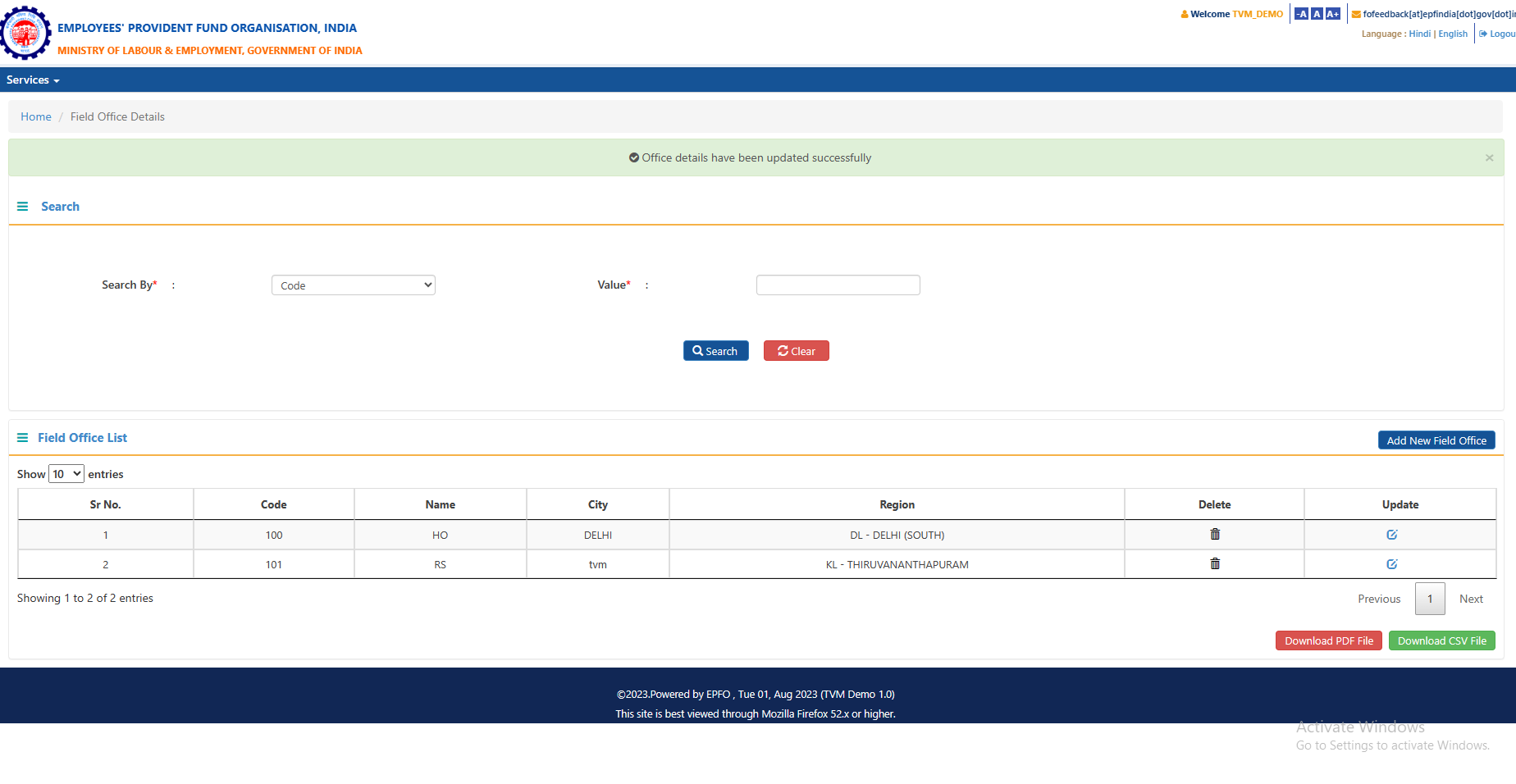
| Field office.PNG (60.6 KB) Field office.PNG | Rasmiya R S, 09/19/2023 05:41 PM | ||
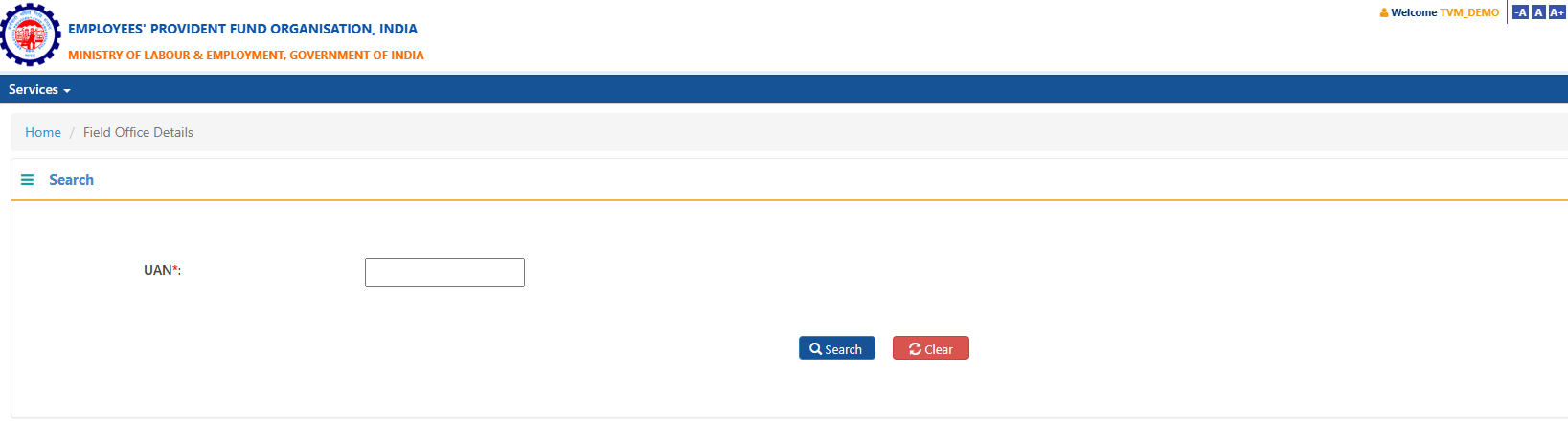
| new.PNG (24.4 KB) new.PNG | Rasmiya R S, 09/20/2023 06:19 PM |
Updated by Rasmiya R S almost 3 years ago
- Status changed from New to In Progress
Updated by Rasmiya R S almost 3 years ago
14-09-2023
1) I am facing Git access issues. So I'm involving meeting with CDAC Pune to set up access to the Git repository.
The problem is not solved; I have to connect tomorrow with the Pune team.
15-09-2023
CDAC Pune accessed my PC using Anydesk to set access for three team members in the Git repository issue, and now we are able to login to Git.
2) Set up the development environment for EPFO.
Updated by Nisha Balakrishnan almost 3 years ago
- Due date set to 09/22/2023
- Start date changed from 09/13/2023 to 09/14/2023
Updated by Rasmiya R S almost 3 years ago
15-09-2023
CDAC Pune accessed my PC using Anydesk to set access for three team members in the Git repository issue, and now we are able to login to Git.
2) Set up the development environment for EPFO.
3)Adding Missing libraries to field officer.
Updated by Rasmiya R S almost 3 years ago
18-09-23
1)Adding Missing libraries to member.
2)Solving BUILD FAILED error is shown when run the field officer and member.
Updated by Rasmiya R S almost 3 years ago
- File Adding new Field office.PNG Adding new Field office.PNG added
- File download file.PNG download file.PNG added
- File Field office.PNG Field office.PNG added
19-09-2023
1)Issues solved in Field_office and Member.
2)Field office (demo) localhost is working.
3)Login to the Field office and I have added to new field office in page. Successfully added and generate download file and csv file.
Updated by Rasmiya R S almost 3 years ago
20-09-2023
1)requirement study of fieldoffice.jsp file
2)change the code and run on the NetBeans.
Updated by Rasmiya R S almost 3 years ago
3)I have added Textbox of UAN in fieldoffice.jsp.i have attached the screenshot.
4)Search and Clear buttons are working against the UAN number.
Updated by Rasmiya R S almost 3 years ago
1) study of which functions are used in the field office.
2) Change the code in the fieldoffice search demo in the controller.
3) resolving the error in the controller.
Updated by Rasmiya R S almost 3 years ago
27-09-2023
I have modified the input parameter in the OfficeUtilityController Java class.
The error code cannot be found, it cannot be printed."
An error occurs when adding the log code logger.log("test demo");
Updated by Rasmiya R S almost 3 years ago
03-10-2023
Resolve the issue:
print the value entered into the input field with the id "value" in our JSP code, not showing
Resolving error occurred in return value of "com.epfo.officeutility.domain.FieldOfficeSearchDto.getSearchOption()" is null
Updated by Rasmiya R S almost 3 years ago
05-10-2023
1)An input parameter is passed to a controller, and the request path is processed successfully.
2)Data retrieved from the database is displayed
Updated by Rasmiya R S almost 3 years ago
05/10/23
Entering the Universal Account Number (UAN), the system should display the corresponding member details UAN number, Name, gender and Aadhaar number.
Design the HTML screen prototype (EPFO style) is successfully completed
Updated by Rasmiya R S almost 3 years ago
- Status changed from In Progress to Closed